Release Notes - 24/06/2026
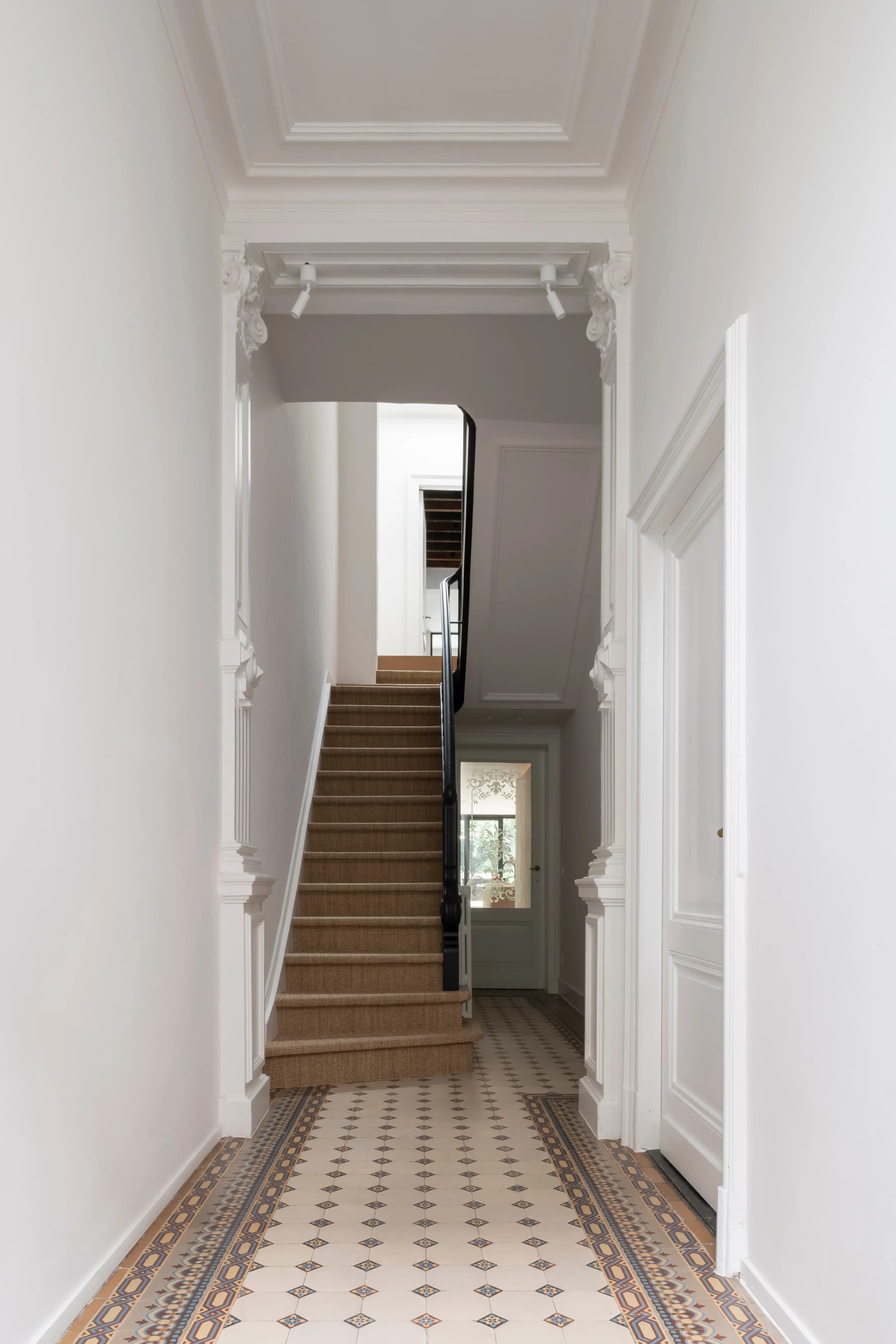
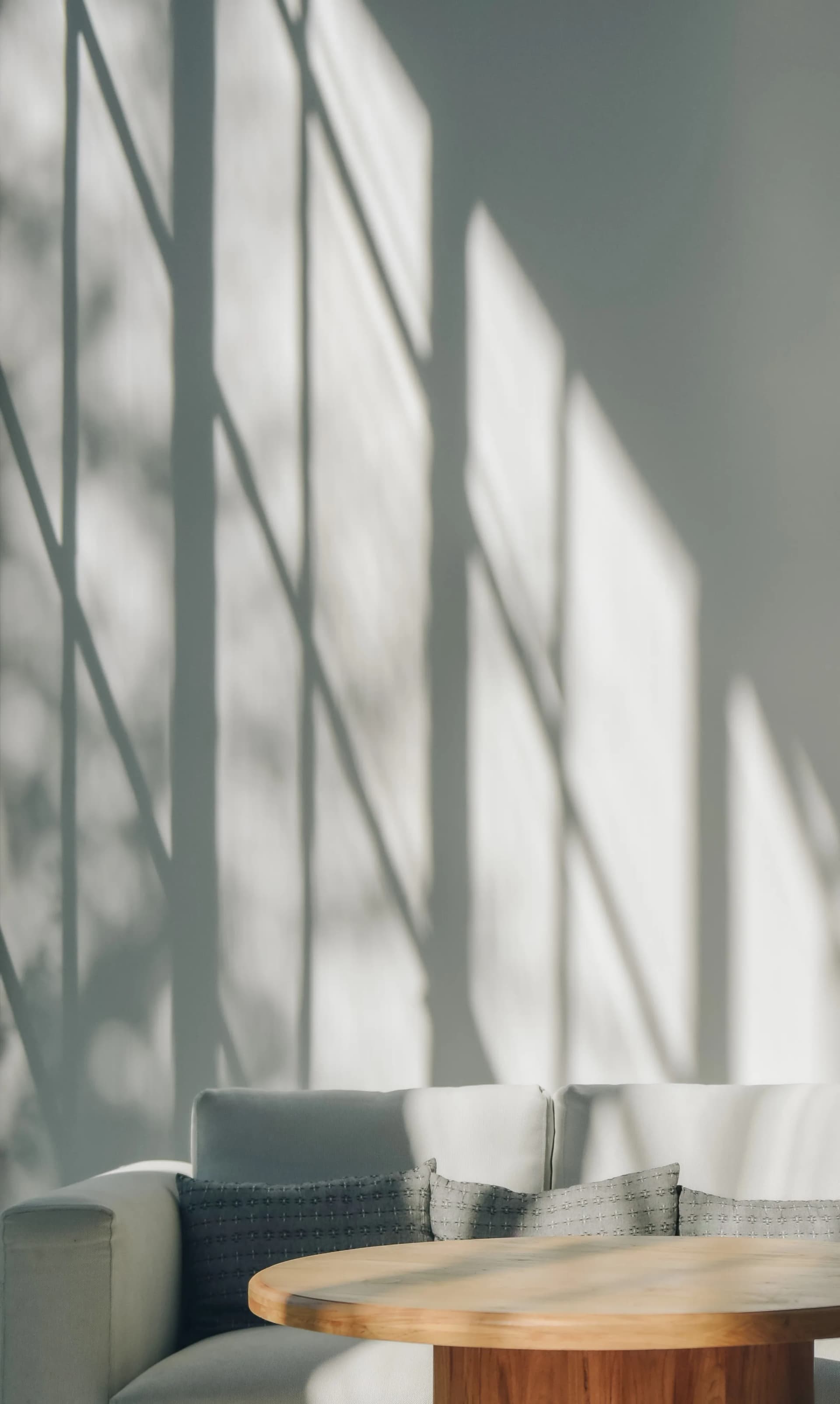
A new Editorial Media component is now available for both article pages and standard pages. The component helps editors create more engaging editorial content by placing images directly within articles while maintaining consistent layouts across devices.
Add editorial media to article and normal pages
Editors can now add an Editorial Media block to article pages and choose between two layout options:
A single landscape image
A row of two images
For the two-image layout, editors can optionally enable a portrait aspect ratio to create a more editorial-style presentation.
Each image can include an optional caption and supports focal point selection for improved image cropping and responsiveness.
Editorial Media Block with single image
&w=1920&q=75)
Editorial Media Block with two images (landscape)
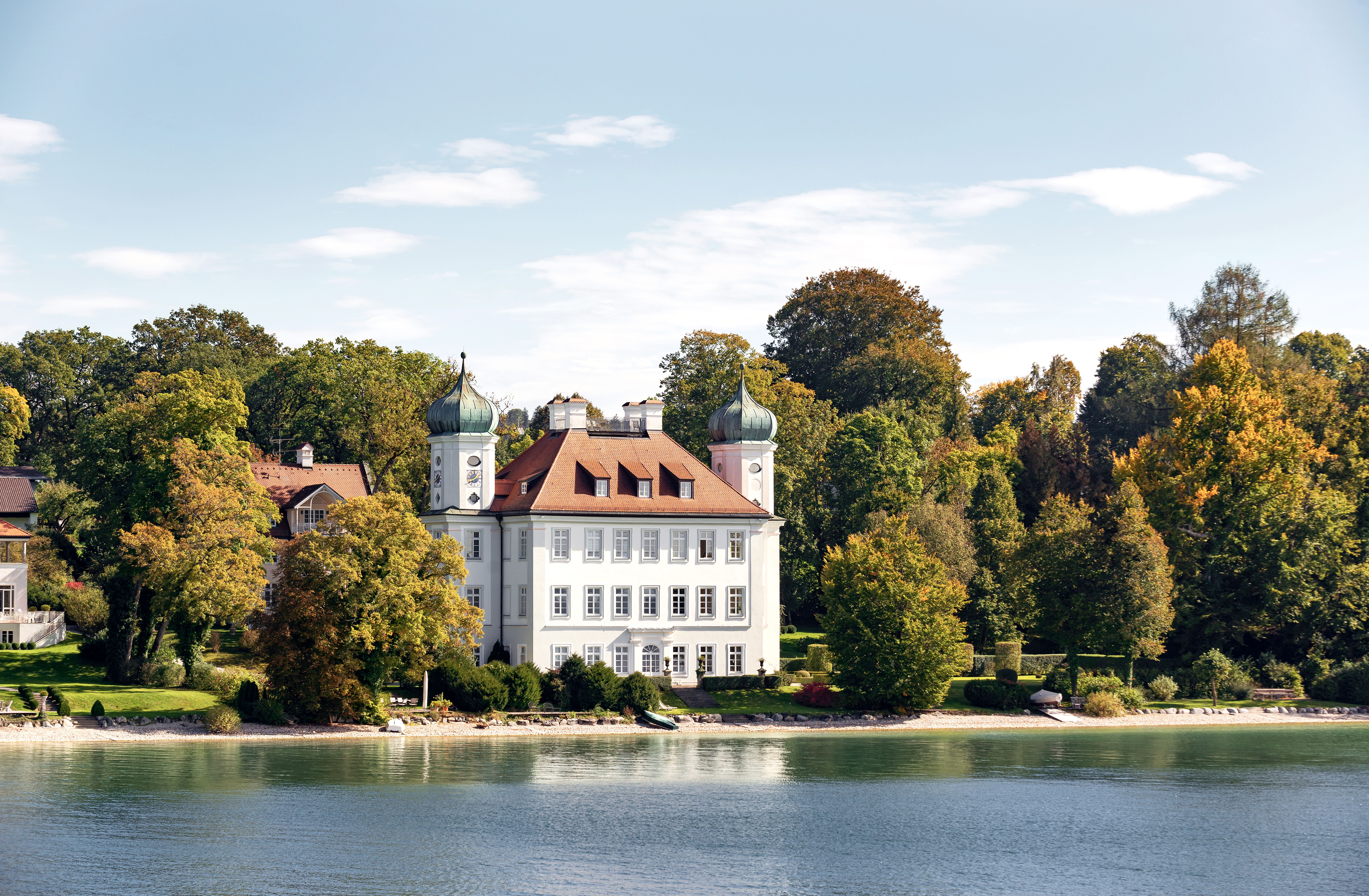
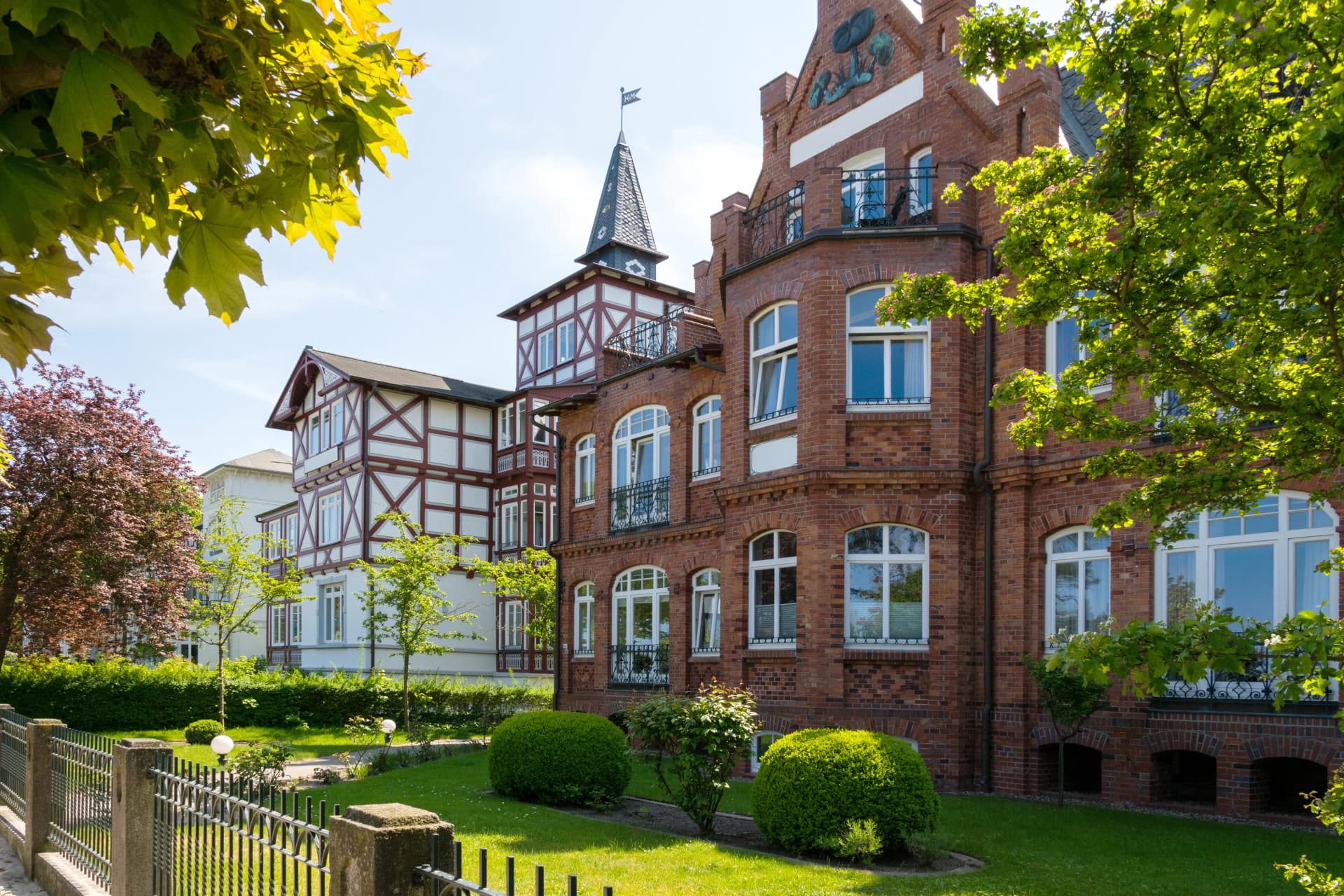
Editorial Media Block with two images (portrait)