- 5 min read
How to open a Storyblok Page from a page
With just one click, you’ll jump straight from the page you’re on to the corresponding Storyblok story with a bookmark.
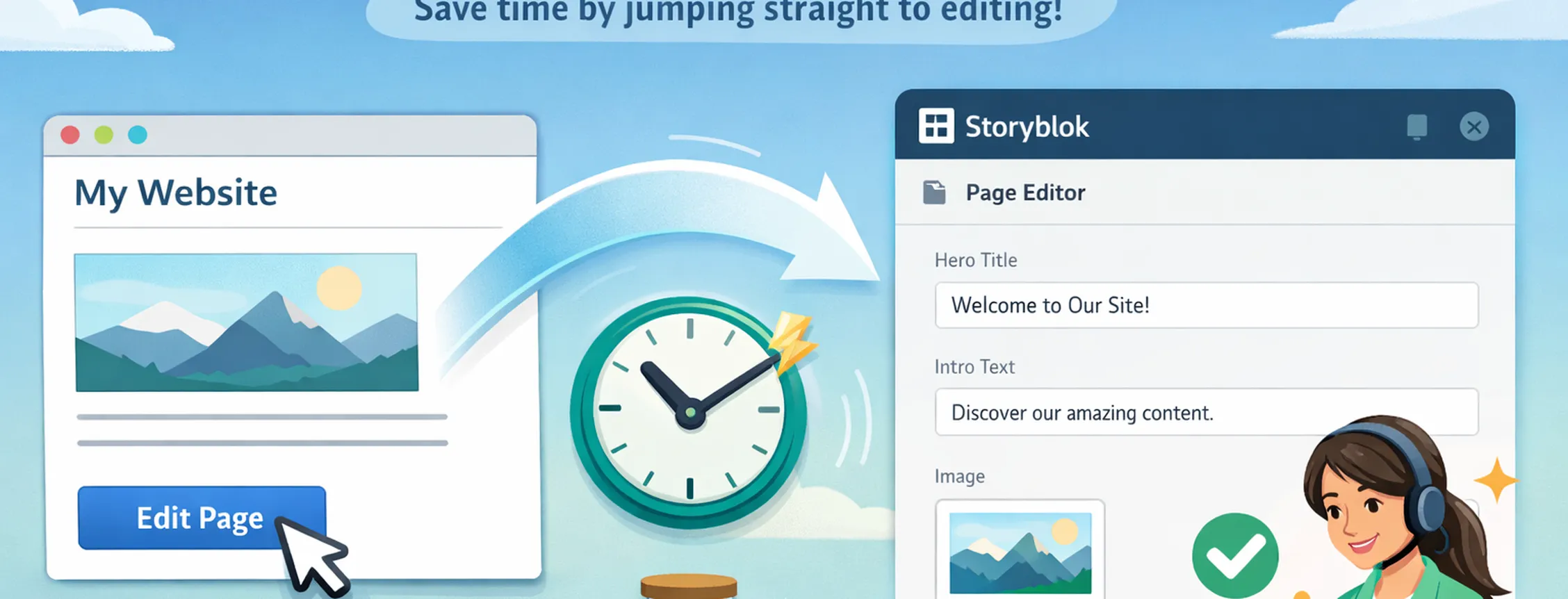
Note: you need Storyblok access and corresponding rights to see the page in Storyblok
How to set it up
Go to this Bookmarklet Maker: https://caiorss.github.io/bookmarklet-maker/
Use this title: Open in Storyblok
Paste the code from here
Click "Generate Bookmarklet"
Drag the blue generated link "Bookmarklet" to your bookmarks bar.
How to use it
Navigate to the page you want to open.
Click the bookmarklet once — this refreshes the page and ensures we’re getting fresh data from the current page.
After the reload, click the bookmarklet again — this time it opens the correct Story in Storyblok in a new tab.