Templates & Components

Over time, we will add links to additional templates and components. Be sure to check this page regularly for newly added resources and updates.

Components

  • Editorial Media

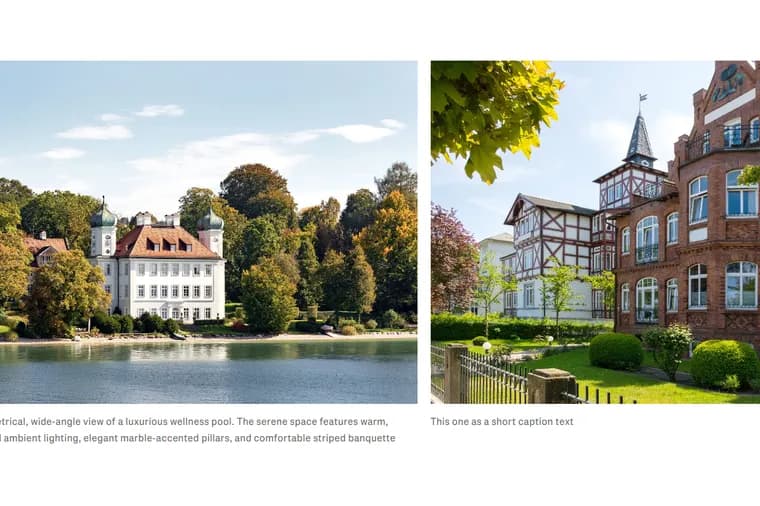
    Editorial Media Block

    A Editorial Media component is available for both article pages and standard pages. The component helps editors create more engaging editorial content by placing images directly within articles while maintaining consistent layouts across devices.

  • Illustration of people analyzing charts on screens, featuring graphs, pie charts, and data presentation in a digital workspace setting.

    Overview: Data visualization in Storyblok

    Data visualization allows you to display structured information—such as prices, trends, or comparisons—in a clear and visual way using charts. On the Engel & Völkers website, this is typically used for real estate insights like market trends, price developments, or regional comparisons.

  • Webpage with a Table of Contents on pop-up use and a newsletter subscription pop-up overlay. Options include contacting support.

    Newsletter pop-up

    The newsletter pop-up is a timed overlay that appears on a page to encourage users to subscribe to a newsletter. It is part of ongoing improvements to increase newsletter engagement and conversions.

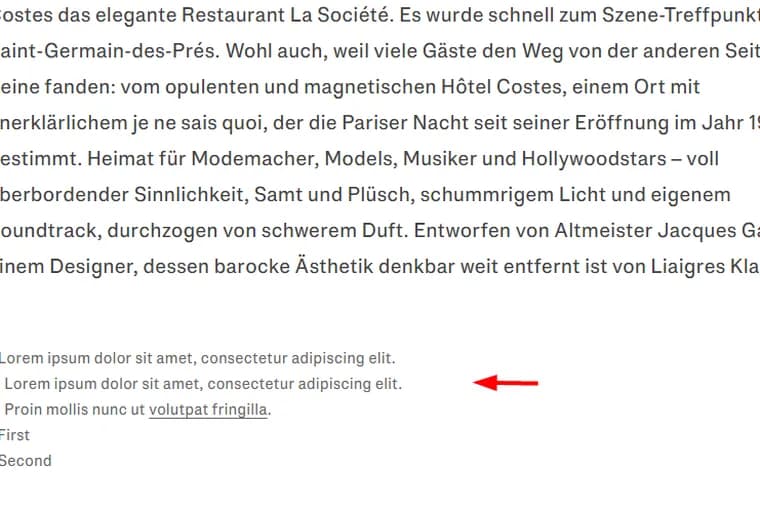
  • Text in German describes La Société restaurant. Below, small text includes placeholder Latin sentences. Red arrow points at Latin content.

    Footnote Component

    Editors can now add footnotes to pages using a dedicated component in Storyblok. This helps you include supporting information (e.g. sources or disclaimers) in a clear and consistent way.

Components

  • Interview Component

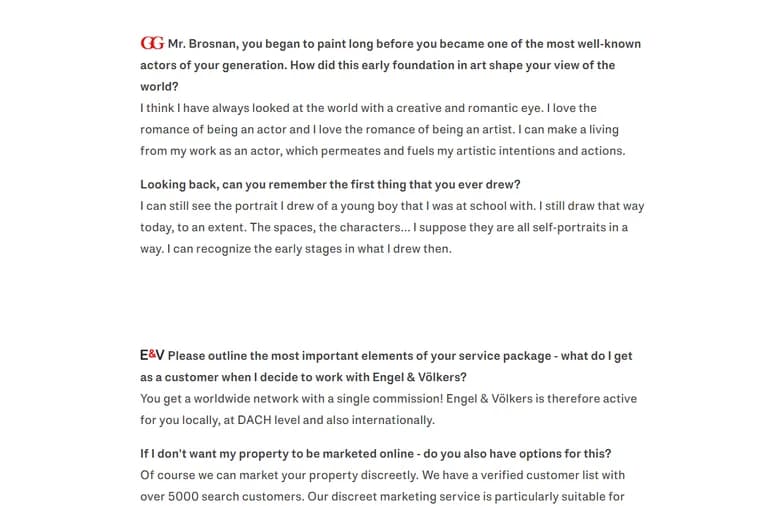
    Interview Component

    The Interview component is available for also for article pages, making it easier to present interview content in a consistent and branded format.