- 3 min read
Footnote Component
Editors can now add footnotes to pages using a dedicated component in Storyblok. This helps you include supporting information (e.g. sources or disclaimers) in a clear and consistent way.
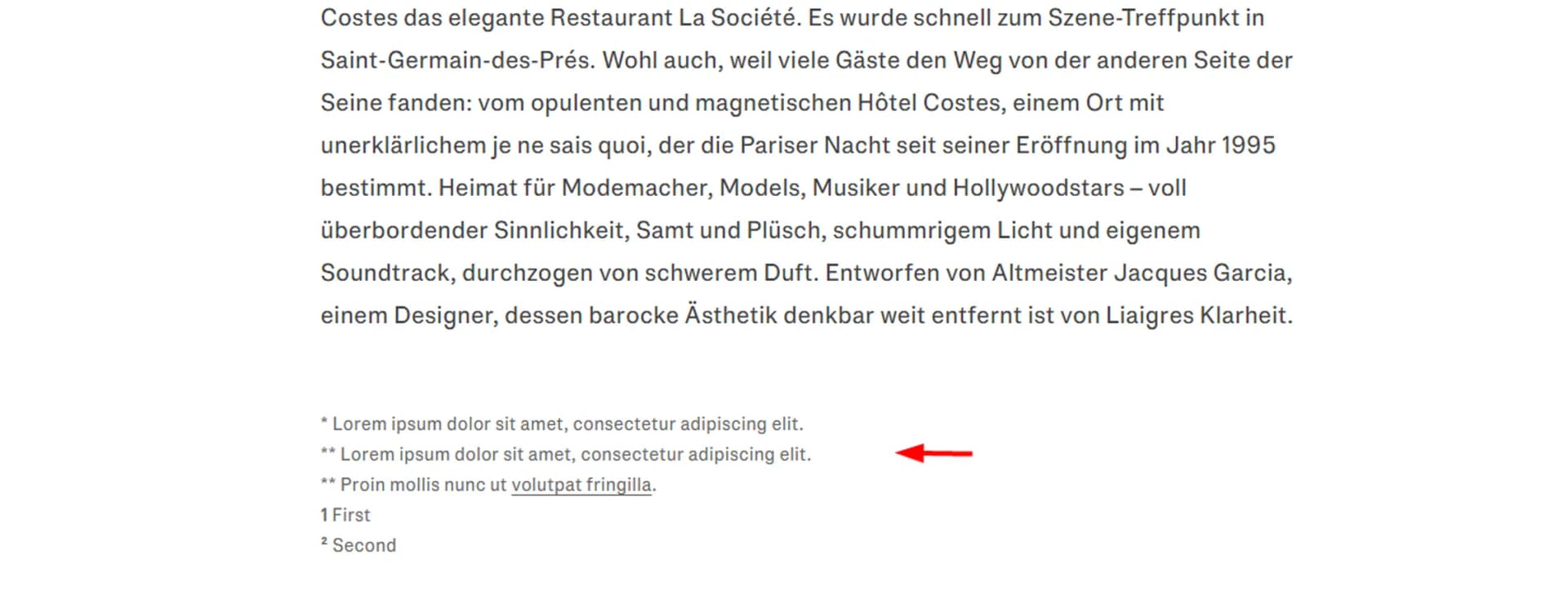
Includes a rich text field with limited formatting options:
Bold
Links
The footnote appears visually separated from the main content, using a smaller font size as expected for footnotes
Automatically aligns with the width of article content when used on article pages
Example Footnote:
* Lorem ipsum dolor sit amet, consectetur adipiscing elit.
** Lorem ipsum dolor sit amet, consectetur adipiscing elit.
** Proin mollis nunc ut volutpat fringilla.
1 First
² Second
How to use it
Add the Footnote component to your page
Enter your text in the rich text field
Use formatting only where needed (e.g. links to sources)
Example use cases
Source attribution in a market report
Legal disclaimers for property data
Clarifications for statistics
Best practices
Do
Keep footnotes short and informative
Use them for secondary information only
Add links when referencing sources
Don’t
Use footnotes for primary content
Add long or complex paragraphs
Repeat information from the main text