Release Notes - 04/03/2026

This release focuses on improving lead generation, page structure, and content freshness.

Newsletter Pop-up on Shop & Partner Pages

The Newsletter Pop-up is now available on shop and partner (LiPa) profile pages.

  • A newsletter pop-up can now appear on profile pages

  • Visibility is controlled centrally via shop settings (EVA)

  • Includes:

    • Small pop-up teaser

    • Subscription modal with email input

    • Success and error states

What problem this solves

Previously, newsletter pop-ups were only available on Storyblok pages. Now:

  • Shops can capture leads directly on their profile pages

  • Newsletter sign-ups are more visible and contextual

How it works (important behavior)

  • Appears automatically if enabled in shop settings

  • Shows after a short delay (e.g. ~8 seconds)

  • Only shown once per user per shop (suppressed for 7 days after closing)

  • Does not block interaction with the page

Editor guidance

  • No Storyblok setup needed — controlled via EVA

  • Ensure newsletter configuration is maintained correctly in shop settings

  • Use as an additional lead generation tool on high-traffic profile page

Storefront of Engel & Völkers in Aachen, Germany, showing various property listings and a newsletter subscription prompt.

Hero Component: Optional H1 Headline

The Hero component can now be used as the main page headline (H1).

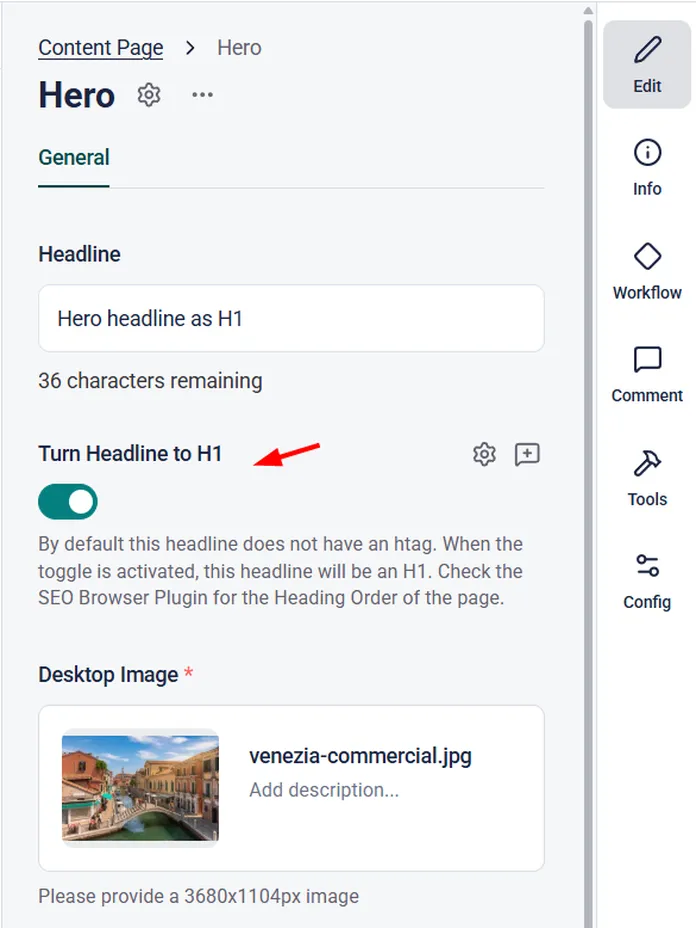
  • New toggle: “Turn Headline to H1”

  • Default behavior remains unchanged (no H-tag)

  • When activated → Hero headline becomes H1

What problem this solves

Some pages rely on the Hero as the main visual headline but previously had no proper H1. This led to:

  • Missing or incorrect heading structure

  • SEO issues

Editor guidance

  • Activate the toggle when the Hero should act as the main page headline

  • Use only one H1 per page

  • Check heading structure if multiple components are used

Interface showing options to set a headline as H1 with toggle and image upload section labeled "venezia-commercial.jpg".

Improved Content Updates (Faster Refresh)

Content updates now appear more reliably after publishing changes.

  • When content is updated (via Storyblok or other EV Advanced), pages are now refreshed more consistently

  • Cache is properly cleared in the background to avoid outdated content being shown

What problem this solves

Previously, updates could appear delayed due to caching, meaning:

  • Editors published changes but still saw old content

  • Users might see outdated information

What this means for editors

  • Published changes are visible faster and more reliably

  • Less need for manual refreshes or cache clearing

  • More confidence when updating live content

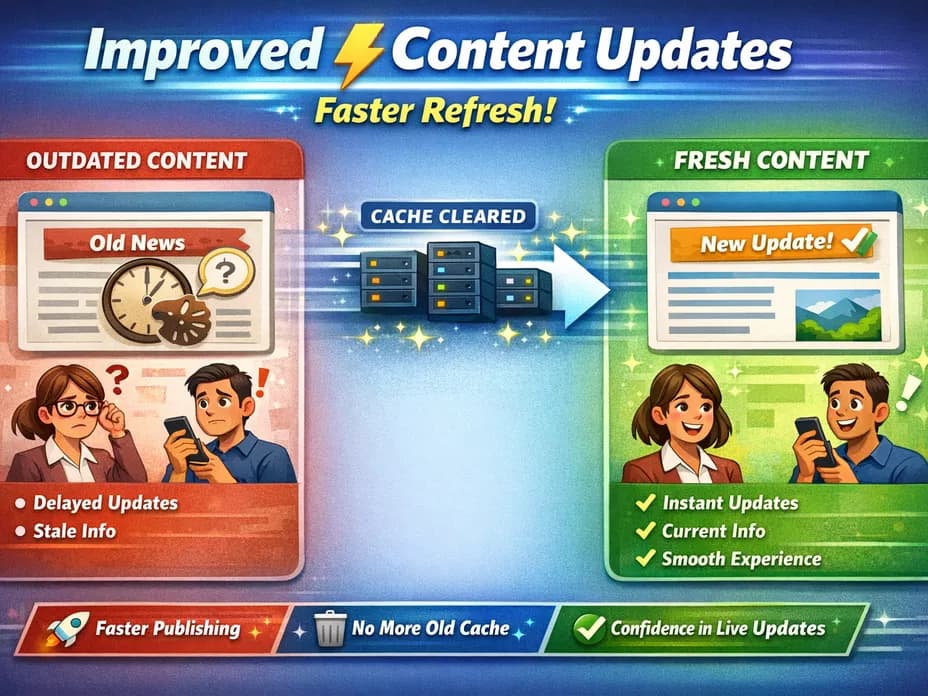
Illustration showcasing improved content updates with happier users and quicker content delivery after clearing outdated cache.